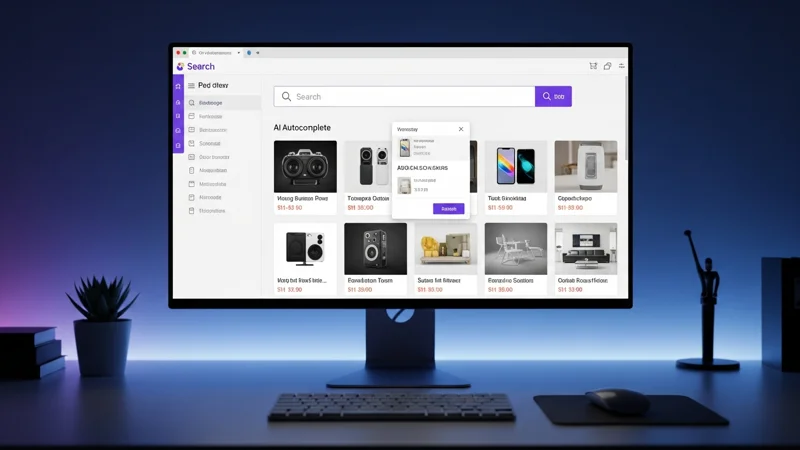

Picture this: a customer lands on your online store, types "red running shoes" into the search bar, and... zero results. Yet your catalogue has exactly those shoes, but the product title reads "Red Running Sneakers - Model XR5". The default search returned nothing because it was looking for an exact keyword match.
This scenario plays out thousands of times a day on e-commerce stores of every size. And every failed search is a lost sale.
The Numbers Speak for Themselves
41% of searches run on WooCommerce's native search return zero results. Users who use internal search convert at two to three times the rate of those who browse categories, but only if they find what they are looking for.
Data from the Baymard Institute confirms that users who use the search bar have an average conversion rate of 4.63%, compared to 2.49% for those who do not. This means your search bar is your most effective salesperson — as we explain in our deep dive on how AI search boosts conversions, but only if it works properly.
The problem is that most e-commerce platforms — WooCommerce, PrestaShop, Magento — offer very basic built-in search. It is designed to work "well enough" with minimal effort, but in practice it disappoints the most demanding customers, namely those who already know what they want to buy.
The Five Most Common Default Search Problems
Here are the limitations we encounter most frequently when analysing our users' stores:
Exact keyword matching only
The search looks for exact words in the title or description. If the user uses a synonym, abbreviation, or different phrasing, nothing is found.
No typo tolerance
A single typo — "samgung" instead of "samsung" — yields zero results. On mobile, where typos are extremely common, this is a serious problem.
No smart autocomplete
The user receives no suggestions while typing. They must guess the correct query on their own.
Results sorted by date, not relevance
Many default searches return products in chronological order of insertion, not by relevance to the query.
No attribute or SKU search
B2B customers searching by product code face a blank page.
Real-World Examples of Failed Searches
To understand the concrete impact, here are some examples we have observed on real stores:
- "red running shoes" on an Italian store with Italian titles: zero results. The product is called "scarpe running rosse", but the default search does not connect "red" to "rosse".
- "t-shrit black" (with a typo): zero results. The product "Black Basic T-Shirt" exists, but the search does not tolerate the misspelling.
- "anti aging face cream": zero results. The product is called "Anti-Aging Face Cream with Hyaluronic Acid" — the hyphen makes the difference.
- "SKU-29481": zero results. The SKU is stored in the product metadata, but the default search only looks at the title.
In every one of these cases, the product existed in the catalogue. The problem was not the catalogue but the search tool.
What AI Search Solves
An AI-powered search engine tackles each of these problems at the root:
Semantic understanding
AI understands that "running shoes" and "trainers" refer to the same type of product, even across different languages.
Error tolerance
Fuzzy matching algorithms automatically correct common typos without requiring the user to retype the query.
Predictive autocomplete
As the user types, the engine suggests products, categories, and related queries in real time, often with visual previews.
Relevance-based ranking
Results are ordered by a relevance score that accounts for popularity, margin, availability, and historical user behaviour.
Search across all fields
Title, description, attributes, SKU, tags — every piece of product information is indexed and searchable.
How to Evaluate Your Current Search Performance
Before switching tools, it is useful to measure how much your current search is costing you. Here is how:
- Enable internal search tracking in Google Analytics (or your analytics tool). This lets you see the most frequent queries.
- Analyse the zero-result rate: if it exceeds 15-20%, you have a serious problem.
- Compare the conversion rate of users who use search with those who do not. If the difference is small, the search probably is not doing its job.
- Manually test the 20 most frequent queries on your store. How many return relevant results in the first position?
In our experience, most stores with default search have a zero-result rate between 30% and 50%. Halving that percentage can mean a revenue increase of 5% to 15%.
The Cost of Inaction
Every day your search does not work as it should, you are losing sales. This is not a problem that fixes itself: e-commerce platforms update their default search very rarely, and the improvements are marginal.
The good news is that switching to an AI search engine is now simpler and more affordable than ever. To discover all the best practices, check out our complete guide to ecommerce search optimization. Native plugins install in minutes. Discover the 5 must-have search features to know what to look for in a modern search engine, the catalogue is indexed automatically, and results are visible from day one.
If you have not done so yet, the first step is simple: open your store and run ten searches as a customer would. The number of disappointing results will give you the answer you need.
Frequently Asked Questions
Default search engines in platforms like WooCommerce, Shopify, and PrestaShop use simple text matching that doesn't handle typos, synonyms, or variants, often returning zero results or irrelevant ones.
41% of WooCommerce searches return zero results. Considering that searchers have 2-3x higher purchase intent, each failed search represents a potential lost sale.
By replacing the default search engine with an AI solution that offers typo tolerance, semantic search, autocomplete, and smart ranking. Integration takes just minutes with native plugins.